> ## Documentation Index
> Fetch the complete documentation index at: https://docs.mad-kitty.dev/llms.txt
> Use this file to discover all available pages before exploring further.
# Creo Kitty — Ad Creator
> Statics, video, copy, and localization — the cat that makes the ads
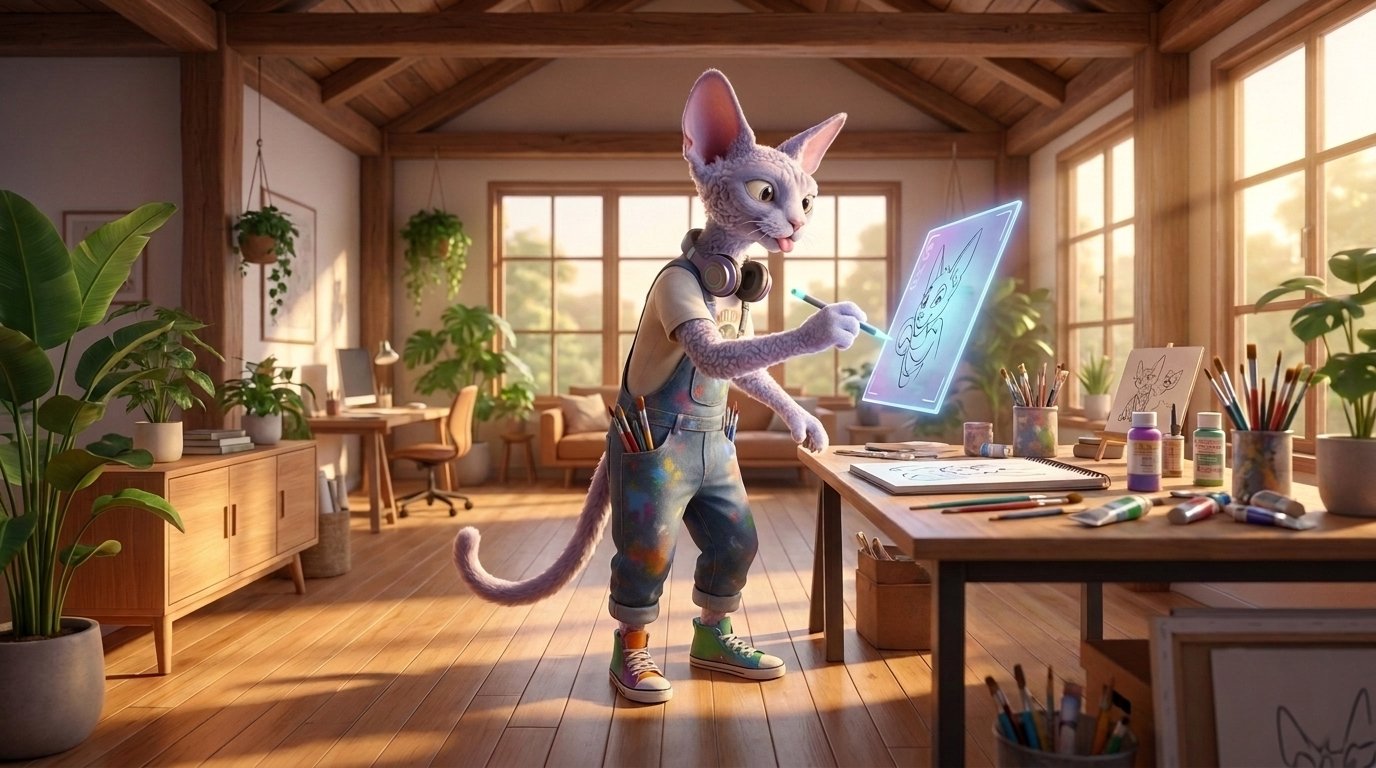 Creo Kitty is your universal ad creator — designer, video editor, and copywriter in one cat, able to produce whatever format an idea calls for: statics, video, carousels, in any of your languages. Unlike the other cats, there isn't one Creo Kitty — **each creative gets its own**, with its own workspace and chat, fully focused on that one concept.
Its job is the *how*: turning an approved concept into finished, publishable ads in every size and language you need.
## What it does
### Static ads (`/statics`)
Generates image ads in all required aspect ratios — 1:1, 3:4, 4:5, and 9:16 — so every Meta placement is covered. Iterate in chat: change the hook, the layout, the imagery, the text overlay.
### Video ads
Produces video end to end: AI-generated footage, voiceover and music, and programmatic editing for precise, repeatable cuts. It can also analyze a reference video you drop in and reverse-engineer its format before producing your version.
### Ad copy
Writes the full copy set per creative and language: up to **5 primary texts**, **5 headlines**, and the call-to-action. Meta rotates these combinations automatically, so more good options means better optimization.
### Localization (`/localize`)
Produces translated variants for every language in your project — not just translated text, but localized copy that reads native. Each language gets its own launch lifecycle, so you can ship English today and German when it's reviewed.
### Publishing (`/publish`)
Finalizes the work: uploads all assets in all sizes and registers them as a **variation** — a numbered, versioned snapshot of the creative. Published work appears on the kanban as ready for your review.
### Performance & formats
* `/analyze` — reviews this creative's own performance once it's live.
* `/save_format` — distills a winning creative into a reusable recipe for future concepts. See [Memory → Formats](/concepts/memory#formats).
### Working with imported ads
Ads you were already running on Meta show up as read-only **shadow creatives**. To iterate on one, import and **fork** it — Creo Kitty works on the fork with full lineage back to the original.
## The kanban
The creative board is your production dashboard. Columns, left to right:
| Column | Meaning |
| ------------------- | ------------------------------------------------ |
| **Shadow** | Detected on your Meta account, not yet imported |
| **Provisioning** | Workspace being set up — Creo Kitty is moving in |
| **Draft** | Exists, nothing pending on either side |
| **In progress** | Creo Kitty is actively working right now |
| **Needs review** | The cat finished something and is waiting on you |
| **Ready to launch** | Published and reviewed — visible to Buyer Kitty |
| **Launched** | Live on Meta |
A card sits in **Needs review** whenever Creo Kitty had the last word in your conversation — it's the "your move" column. Once ads are live, cards also carry [performance tier](/metrics-glossary#performance-tiers) badges.
## Your assets
Creo Kitty produces from what you've given the team: your logo and brand assets, your reference ads, the brief, and saved formats. Upload assets during setup or any time via chat or the project's brand assets area — the more real material it has, the less generic the output. See [Memory](/concepts/memory) for how each kind of knowledge is used.
## Commands
| Command | What it does |
| -------------- | ---------------------------------------------------- |
| `/statics` | Generate static ads in all aspect ratios |
| `/publish` | Finalize and publish the current work as a variation |
| `/localize` | Produce variants for all project languages |
| `/analyze` | Review this creative's live performance |
| `/save_format` | Save this creative's recipe as a reusable format |
## Good to know
* **Launched variations freeze.** Once a version is live, it can't be edited — changes create a new variation. Your live ads never mutate under you, and every test stays comparable.
* **Iterate before you localize.** Nail the primary language first; `/localize` then fans the finished version out. Localizing a draft means re-localizing every revision.
* **Steer, don't restart.** *"Keep the layout, swap the headline for the pain-point angle"* preserves what already works. See [Working with the Kitties](/concepts/working-with-kitties).
## Hands off to
**Buyer Kitty** — via the **Ready to launch** column. Creo Kitty never launches anything itself.
Creo Kitty is your universal ad creator — designer, video editor, and copywriter in one cat, able to produce whatever format an idea calls for: statics, video, carousels, in any of your languages. Unlike the other cats, there isn't one Creo Kitty — **each creative gets its own**, with its own workspace and chat, fully focused on that one concept.
Its job is the *how*: turning an approved concept into finished, publishable ads in every size and language you need.
## What it does
### Static ads (`/statics`)
Generates image ads in all required aspect ratios — 1:1, 3:4, 4:5, and 9:16 — so every Meta placement is covered. Iterate in chat: change the hook, the layout, the imagery, the text overlay.
### Video ads
Produces video end to end: AI-generated footage, voiceover and music, and programmatic editing for precise, repeatable cuts. It can also analyze a reference video you drop in and reverse-engineer its format before producing your version.
### Ad copy
Writes the full copy set per creative and language: up to **5 primary texts**, **5 headlines**, and the call-to-action. Meta rotates these combinations automatically, so more good options means better optimization.
### Localization (`/localize`)
Produces translated variants for every language in your project — not just translated text, but localized copy that reads native. Each language gets its own launch lifecycle, so you can ship English today and German when it's reviewed.
### Publishing (`/publish`)
Finalizes the work: uploads all assets in all sizes and registers them as a **variation** — a numbered, versioned snapshot of the creative. Published work appears on the kanban as ready for your review.
### Performance & formats
* `/analyze` — reviews this creative's own performance once it's live.
* `/save_format` — distills a winning creative into a reusable recipe for future concepts. See [Memory → Formats](/concepts/memory#formats).
### Working with imported ads
Ads you were already running on Meta show up as read-only **shadow creatives**. To iterate on one, import and **fork** it — Creo Kitty works on the fork with full lineage back to the original.
## The kanban
The creative board is your production dashboard. Columns, left to right:
| Column | Meaning |
| ------------------- | ------------------------------------------------ |
| **Shadow** | Detected on your Meta account, not yet imported |
| **Provisioning** | Workspace being set up — Creo Kitty is moving in |
| **Draft** | Exists, nothing pending on either side |
| **In progress** | Creo Kitty is actively working right now |
| **Needs review** | The cat finished something and is waiting on you |
| **Ready to launch** | Published and reviewed — visible to Buyer Kitty |
| **Launched** | Live on Meta |
A card sits in **Needs review** whenever Creo Kitty had the last word in your conversation — it's the "your move" column. Once ads are live, cards also carry [performance tier](/metrics-glossary#performance-tiers) badges.
## Your assets
Creo Kitty produces from what you've given the team: your logo and brand assets, your reference ads, the brief, and saved formats. Upload assets during setup or any time via chat or the project's brand assets area — the more real material it has, the less generic the output. See [Memory](/concepts/memory) for how each kind of knowledge is used.
## Commands
| Command | What it does |
| -------------- | ---------------------------------------------------- |
| `/statics` | Generate static ads in all aspect ratios |
| `/publish` | Finalize and publish the current work as a variation |
| `/localize` | Produce variants for all project languages |
| `/analyze` | Review this creative's live performance |
| `/save_format` | Save this creative's recipe as a reusable format |
## Good to know
* **Launched variations freeze.** Once a version is live, it can't be edited — changes create a new variation. Your live ads never mutate under you, and every test stays comparable.
* **Iterate before you localize.** Nail the primary language first; `/localize` then fans the finished version out. Localizing a draft means re-localizing every revision.
* **Steer, don't restart.** *"Keep the layout, swap the headline for the pain-point angle"* preserves what already works. See [Working with the Kitties](/concepts/working-with-kitties).
## Hands off to
**Buyer Kitty** — via the **Ready to launch** column. Creo Kitty never launches anything itself.